Upgrade to Wi-Fi 6E for Network Box Customers

-
Sign in to your account.
-
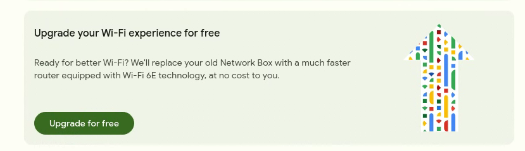
If you’re eligible, you’ll see an upgrade banner on your homepage.
-
Click Upgrade for free.
-
Depending on the Fiber Jack in your home, you’ll either:
-
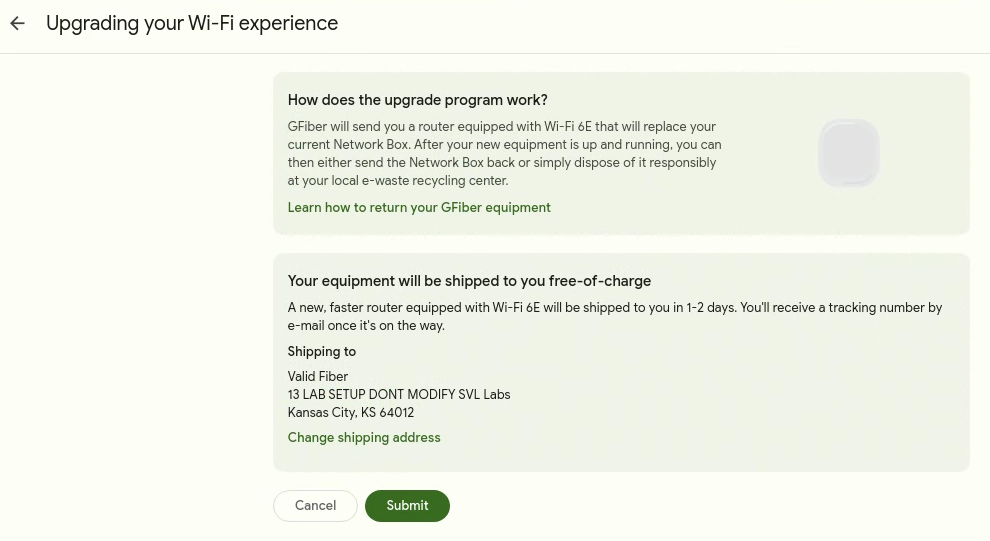
Get a self-install kit: Confirm your shipping address (click Change shipping address if needed), then click Submit.
-
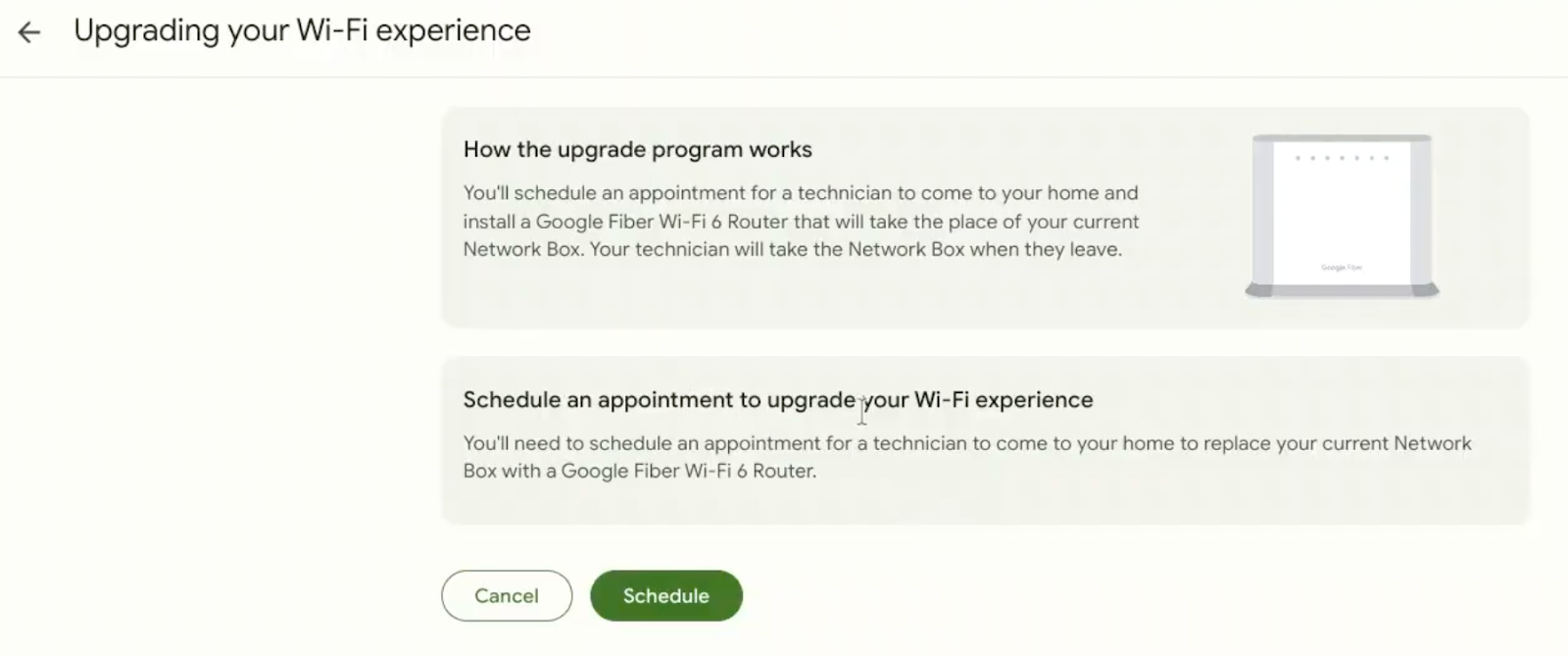
Schedule a professional installation: Click Schedule, select your preferred time, and click Submit.
-
- Before you begin, download the GFiber App:
-
Open the GFiber App and sign in.
-
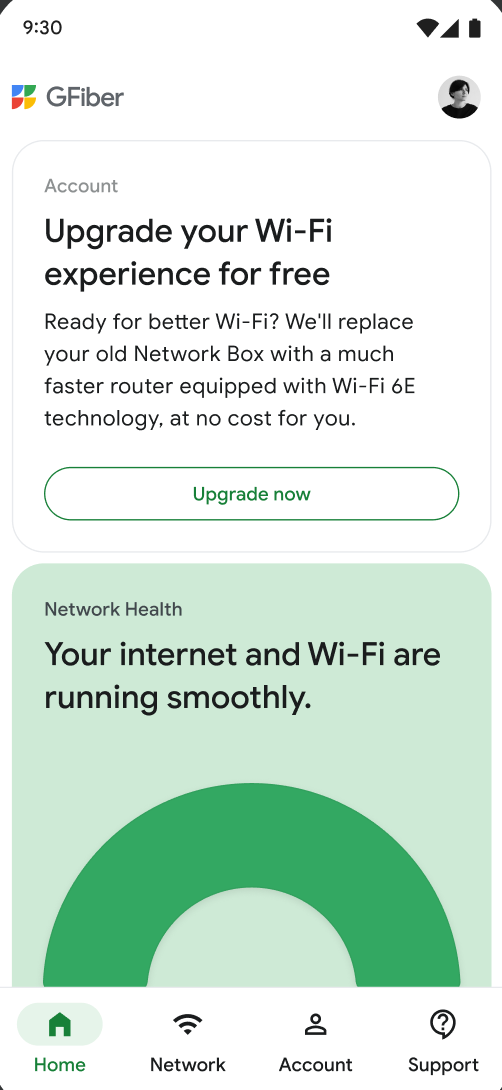
Tap Upgrade now.
-
Depending on the Fiber Jack in your home, you’ll either:
-
Get a self-install kit: Confirm your shipping address (tap Change shipping address if needed), then tap Submit.
-
Schedule a professional installation: Tap Schedule, choose your preferred time, and tap Submit.
-
Most customers can self-install the new router. But if you have a first-generation Fiber Jack (like the one pictured below), you’ll need a technician to replace it before your new router can be installed. Don’t worry — we’ll guide you through the right option for your setup.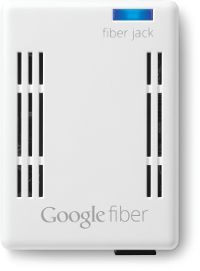
The GFiber Wi-Fi 6E Router is faster, more reliable, and built to support the latest Wi-Fi 6/6E devices, helping to reduce congestion and improve performance throughout your home.¹ As a result, the Network Box has been retired, but you can still upgrade to our newest router at no extra cost.²
Nope! You don’t need to return your Network Box. You’re welcome to recycle it at your local e-waste center — or follow these steps if you’d prefer to send it back to us.
If you cancel your GFiber service, you’ll need to return your GFiber Wi-Fi 6E Router.